Contacts & pipelines
Organize contacts, track lead sources and see opportunities move through your sales process.

 Fortune &
Fortune & Automations Business Dashboard
Bring contacts, conversations, appointments and follow-up into a dashboard built around how you work.
Discuss your dashboard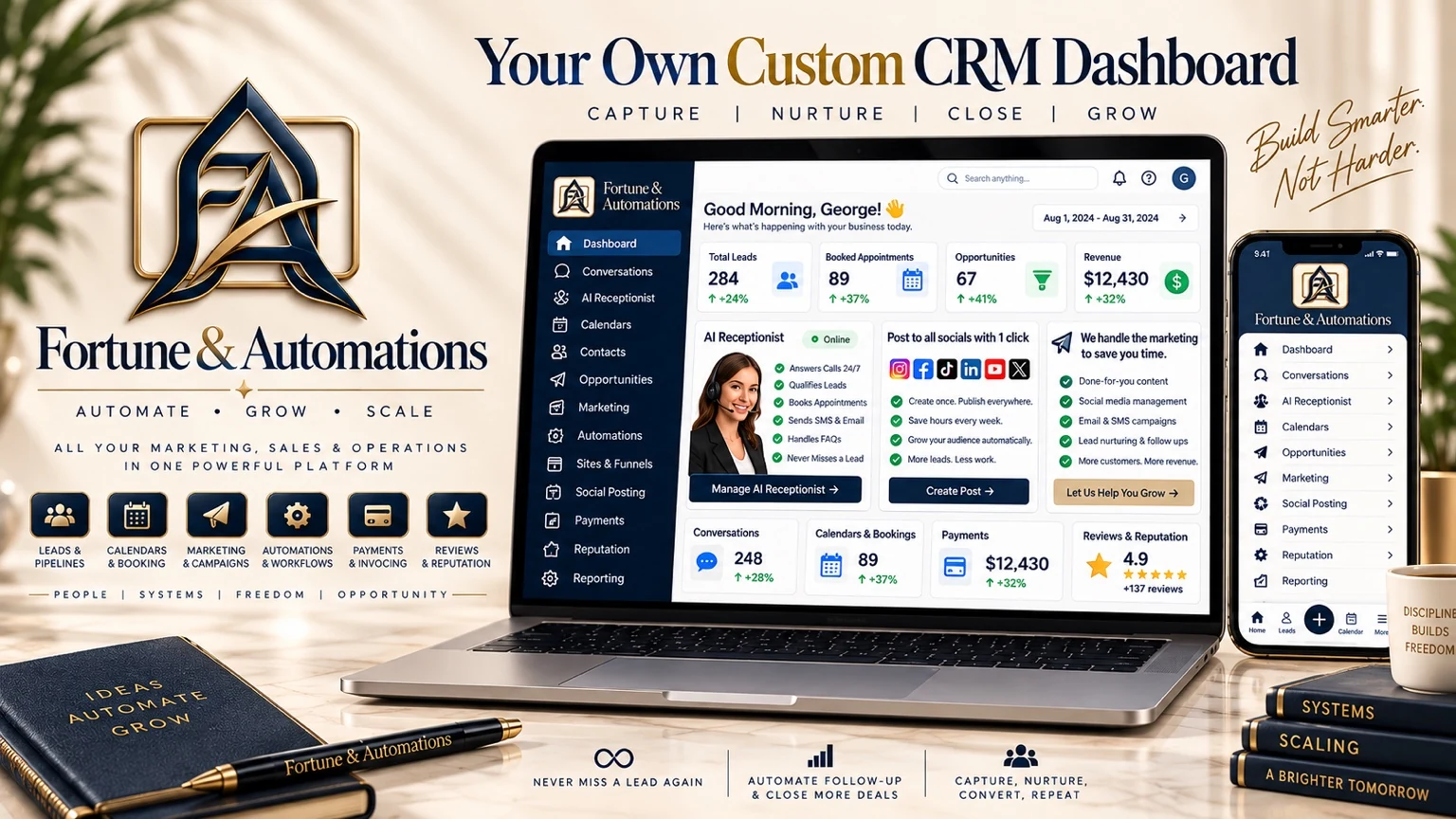
Less switching. More visibility.
Your F&A Business Dashboard can connect supported accounts and organize the work that happens between an inquiry and a customer. This is a custom dashboard service, not a bundled CRM subscription. Features and independent integrations are selected, built and tested within the agreed scope.
What you can connect
Organize contacts, track lead sources and see opportunities move through your sales process.
Connect supported SMS and email channels, manage calendars and keep appointment details together.
Configure reminders, lead qualification and follow-up around your team's process and customer consent.
Connect websites and funnels with your contact records. Schedule social posts to supported connected accounts.
Manage review requests and, where configured, invoicing and payments through connected services.
Review pipeline activity and available reports, with mobile access to supported tools.
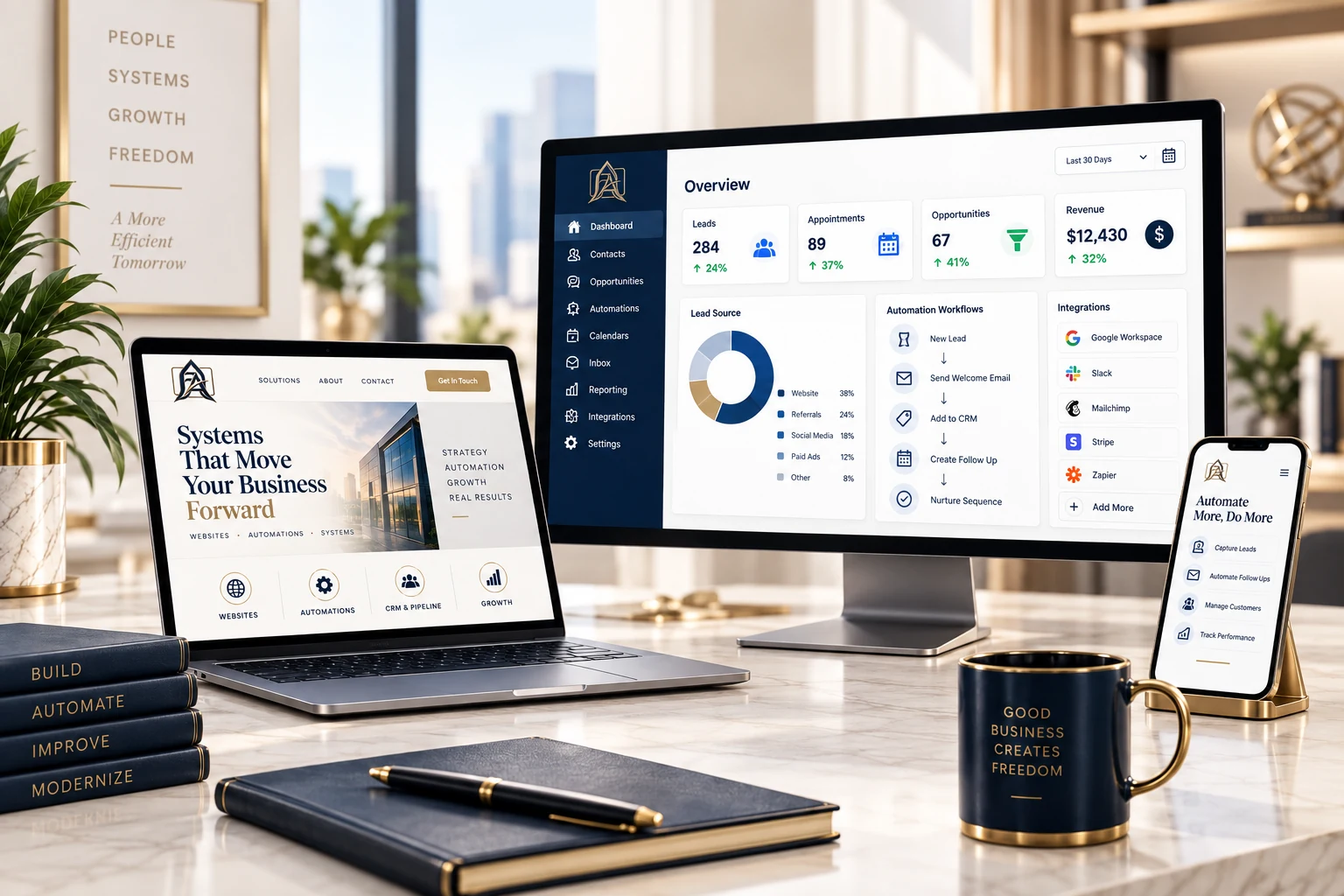
Your working view
See available contact history, appointment activity and opportunity stages together. Build a process your team can follow and adjust as your business grows.
Images are illustrative concepts with example data. Features, supported integrations and reporting depend on the agreed setup. Third-party costs may apply.
Communication & automation
Configure appointment reminders, missed-inquiry follow-up and approved SMS or email messages. AI receptionist and qualification capabilities can be added where included and configured.
Your team controls the process, access and handoff. Messaging requires appropriate consent and is subject to provider availability.
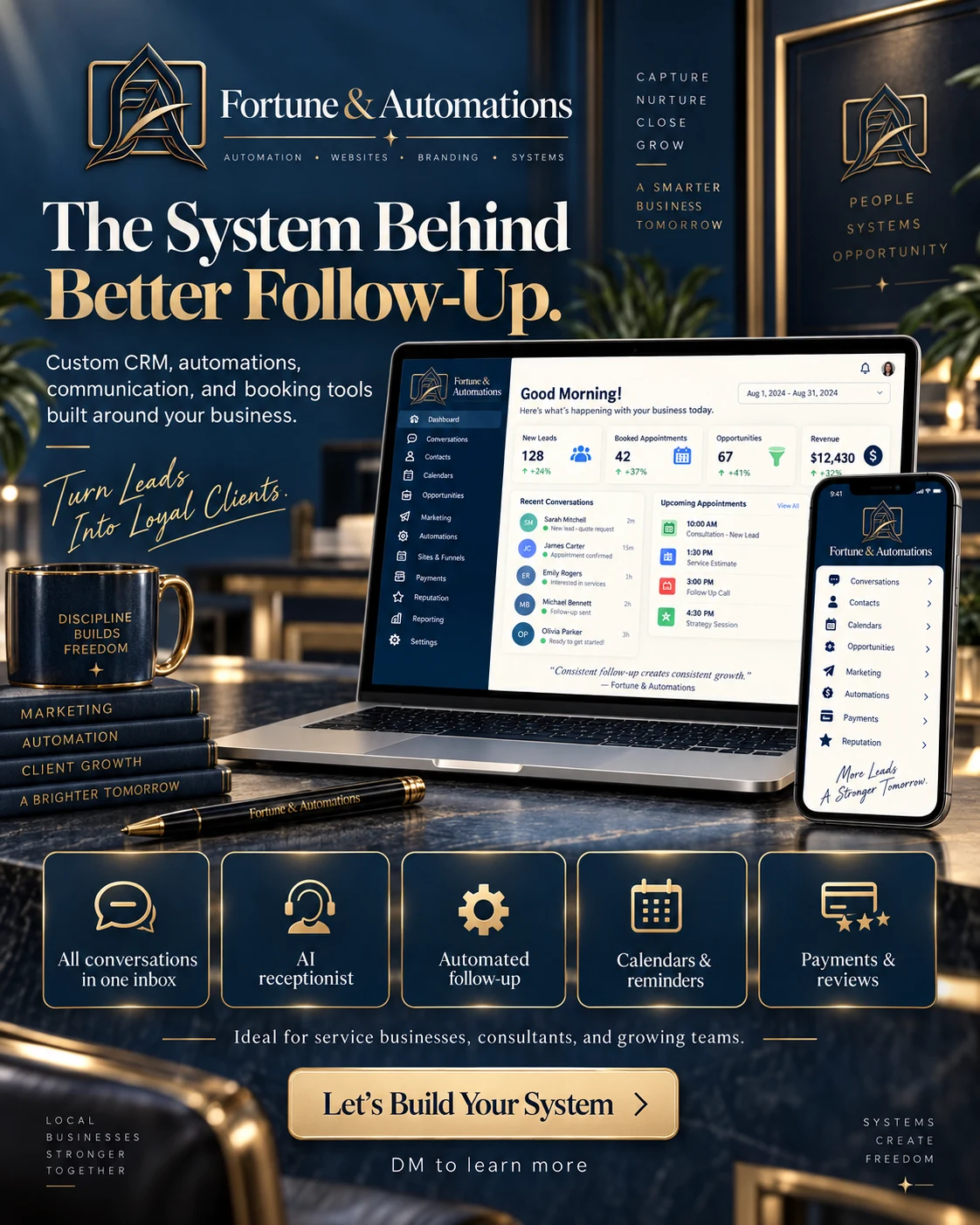
Built around your workflow
Organize quote requests for a contractor, bookings for a salon, or follow-up for a professional service team. We start with your process and agree which tools, connections and automations belong in your setup.
Next step
Tell us what you use today and where work gets held up. We will help define the right dashboard scope.